
How Billtivo works
From workspace setup to paid invoice.
Billtivo helps freelancers and small service teams organize client work, track billable time, create invoices, add payment options, and follow up until invoices are paid.
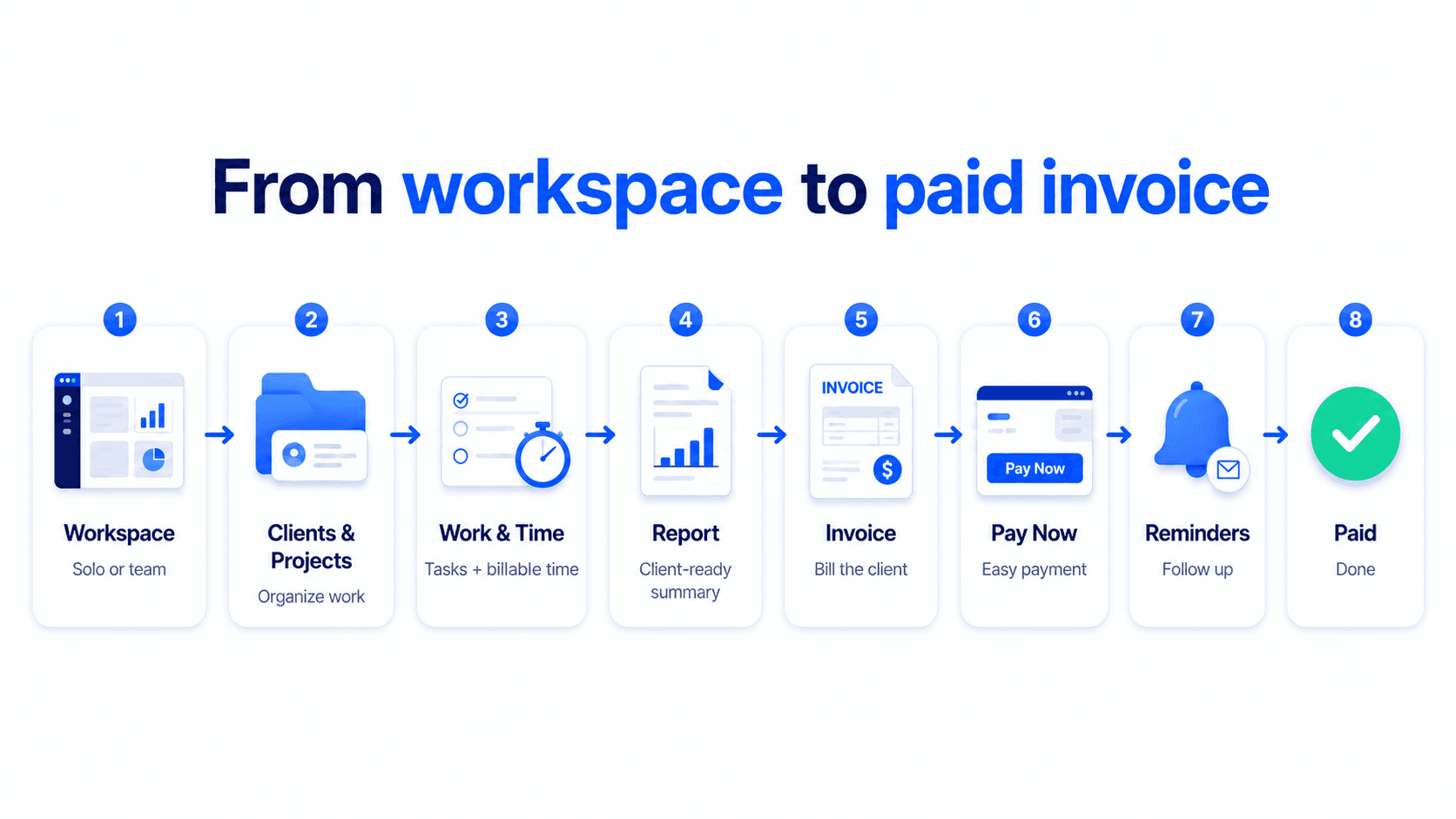
Start with a workspace.
Use one place for solo work or a small team.
Organize client work.
Add clients, projects, tasks, and billable time.
Prepare billing context.
Turn tracked work into reports and invoices.
Follow up until paid.
Add Pay Now and reminders to unpaid invoices.
Solo or team
Use Billtivo your way.
Solo freelancers can track their own client work, time, invoices, and payment follow-up. Small service teams can add members, assign work, collect time logs, review reports, and invoice from completed work.
For solo freelancers
Keep clients, projects, billable time, invoices, payment links, and reminders organized in one workspace.
For small service teams
Add members, assign work, review time logs and reports, then create invoices from the work your team completed.
Watch the workflow
See Billtivo in 2 minutes.
See how a workspace connects clients, projects, work, time logs, reports, invoices, payment options, and reminders in one workflow.
Ready to turn client work into paid invoices?
Start with a workspace, organize the work, create invoices, and keep payment follow-up connected.