
Share by link or PDF
Send invoices quickly with a public link or downloadable PDF.
Create a professional invoice online, share it by link or PDF, add payment terms, and follow up on unpaid invoices.
No login required to start.
Send invoices quickly with a public link or downloadable PDF.
Turn on payment options to help clients pay faster.
Follow up on unpaid invoices with reminder emails.
Start with the real invoice editor
Create and edit your invoice in the same workflow used inside the product.
Free invoice generator
Billtivo helps freelancers and small service teams create a professional invoice without starting from a blank document. Add client details, invoice items, payment terms, taxes, notes, and sharing options in one online invoice workflow.
Open the invoice editor and begin creating your invoice right away.
Send a public invoice link or download a client-ready PDF.
Set due dates, payment terms, invoice notes, taxes, and client details.
Use Billtivo’s reminder workflow when an invoice needs follow-up.
From work to invoice
By the time you create an invoice, the real work has already happened: tasks were assigned, time was tracked, reports were reviewed, and work was approved. Billtivo connects those steps so approved work can become an invoice-ready billing flow.
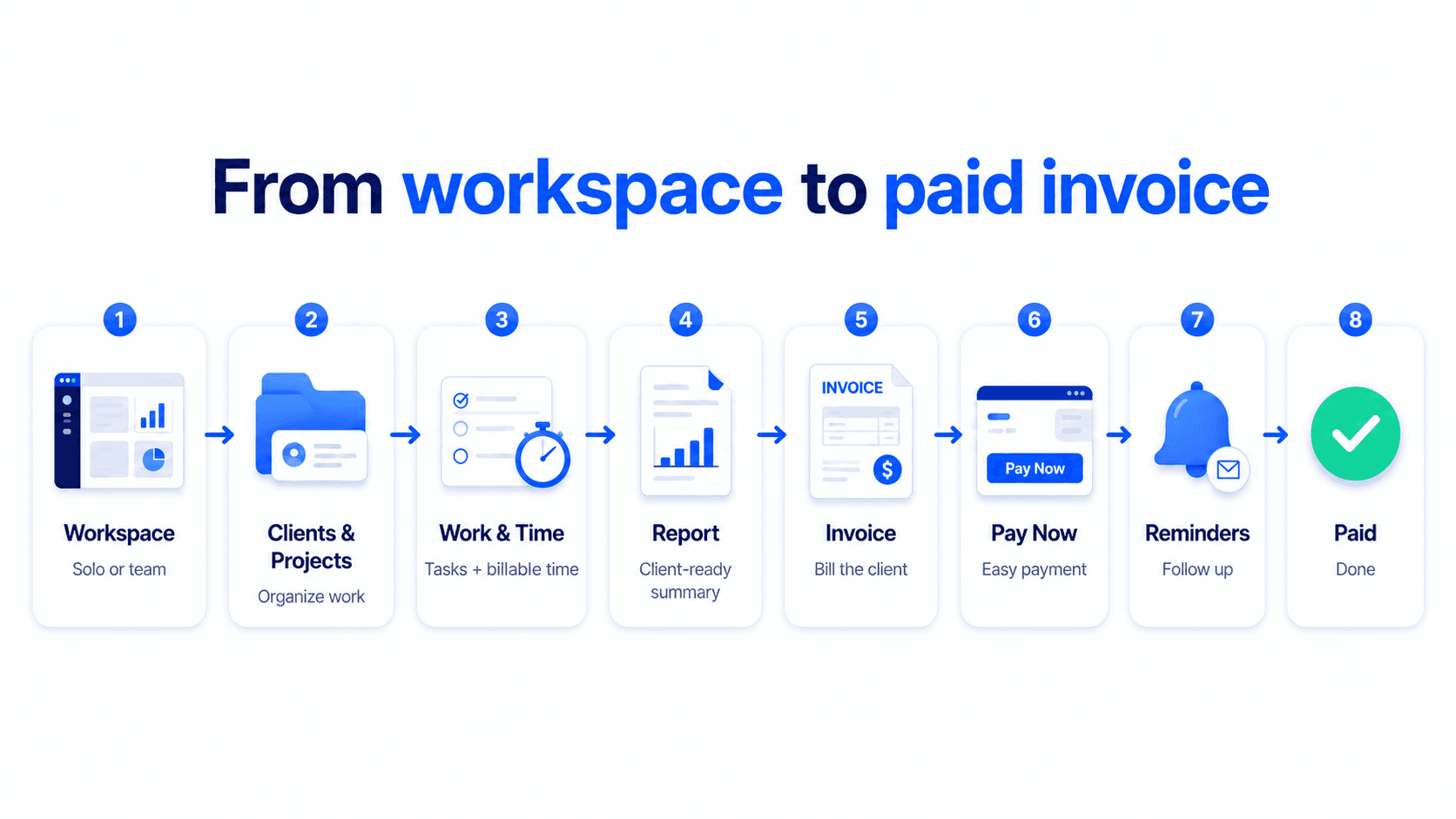
1
Assign work
2
Track time
3
Review reports
4
Create invoice
5
Follow up payment
Related free tools
Create a clear task brief before work starts.
Track billable time before turning it into an invoice.
Send a quote before the client approves the work.
Prepare a client-ready work report before invoicing.
Write clear invoice terms before sending the invoice.
Follow up unpaid invoices with a polite email.
Yes. You can start creating an invoice online for free and review it before sharing it.
No. You can start with the free invoice editor first. Creating an account helps you save and manage invoices later.
Yes. You can download a clean invoice PDF when you are ready to send or save it.
Yes. You can share the invoice by link or download a PDF to send to your client.
Yes. You can add payment terms, due dates, tax details, invoice notes, and client information.
Yes. Billtivo is built for the workflow before the invoice too: assigned work, billable time, reports, approvals, invoices, and payment follow-up.
Start with a free invoice, then use Billtivo to connect approved work, payment terms, reminders, and follow-up.