
Assign work clearly
Organize client work by member, project, and task before it reaches billing.
Assign client work, track time, review progress, and move from completed work to invoice in one workflow.
Built for small service teams that bill from completed work.
One workflow from assigned work to paid invoice
Billtivo connects clients, projects, billable work, client-ready reports, invoices, Pay Now, reminders, and paid status.
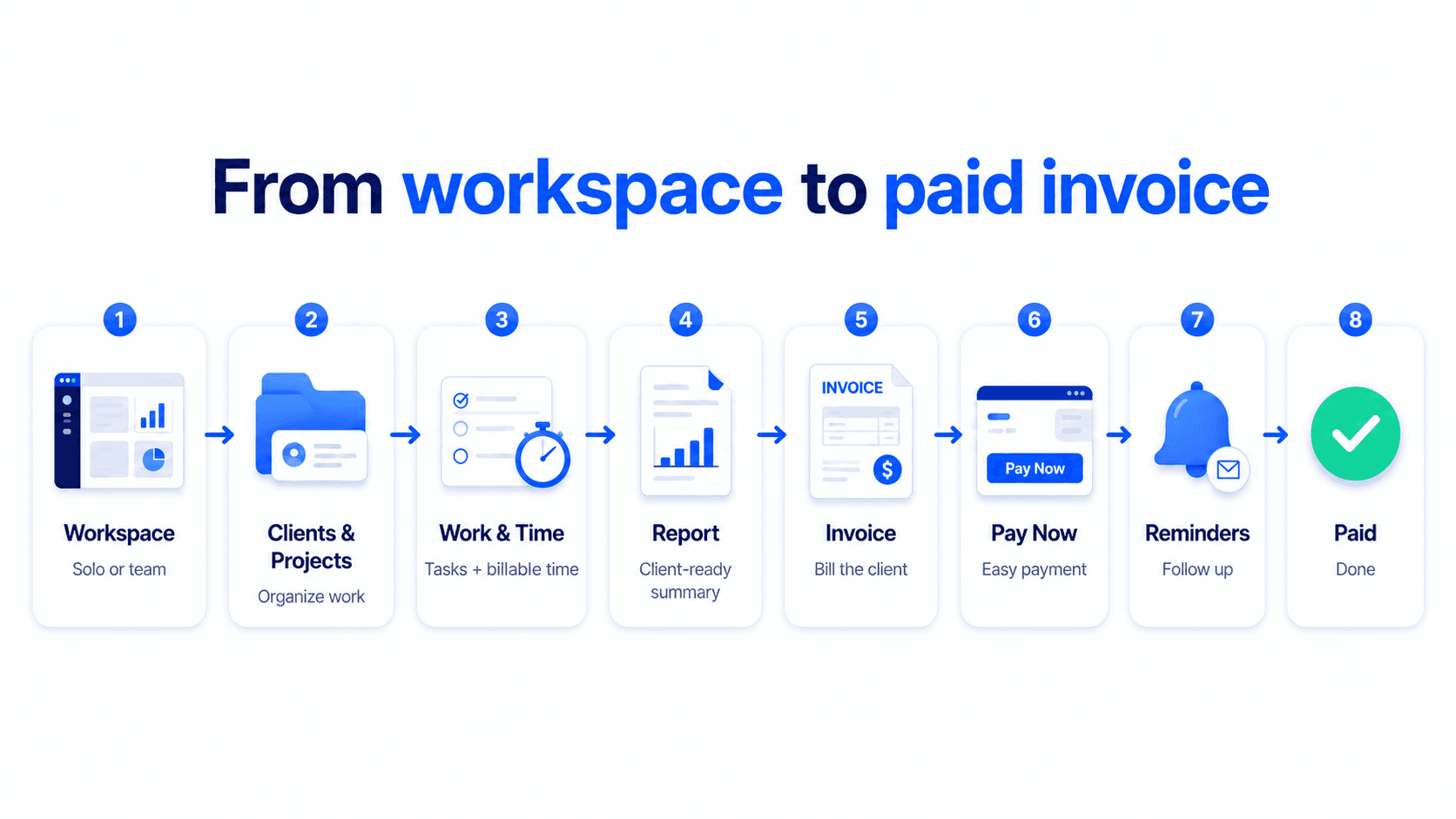
Organize client work by member, project, and task before it reaches billing.
Capture billable work while it happens and keep progress visible across the team.
Turn tracked work into invoice-ready lines, then send and follow up from the same workflow.
See the real workflow inside Billtivo
This page uses the real invoice editor and supports the same work-to-billing flow used in the product.
Keep client work tied to the right member, project, and task before billing starts.
Use tracked time and work updates to see what is ready to bill.
Create the invoice, enable payment options, and follow up on unpaid invoices from one workflow.
Real work-to-invoice flow
Show how Billtivo connects assigned tasks, progress, approval, and invoice-ready work before the invoice is created.
Tasks are organized by client, project, and owner.
Completed work is visible before billing starts.
Approved work becomes a clear invoice line.
Client / project
Update homepage and pricing section
AssignedMobile fixes and CTA copy
In progressClient summary confirmed
ApprovedNext step
Yes. Billtivo still lets you create invoices directly. This page focuses on the workflow where assigned work, progress, and tracked time help you bill with more context.
Yes. Members can update progress, submit reports, and log time first. Owners or admins can review what is ready to bill before creating the invoice.
You can share the invoice, enable payment, and follow up with reminders depending on your plan and workflow setup.
Related billing workflows
Assigned work is only one part of the billing flow. Explore the next steps for tracked time, invoice creation, payment reminders, and free tools.
Keep delivery, invoicing, and payment follow-up in one connected workflow.