
Follow up automatically
Send reminder emails for unpaid invoices without doing every follow-up by hand.
Turn on reminder emails, choose your schedule, and follow up on unpaid invoices automatically.
Built on the real email reminder workflow in Billtivo.
One workflow from unpaid invoice to paid
Billtivo connects invoices, Pay Now, automatic reminders, follow-up, and paid status.
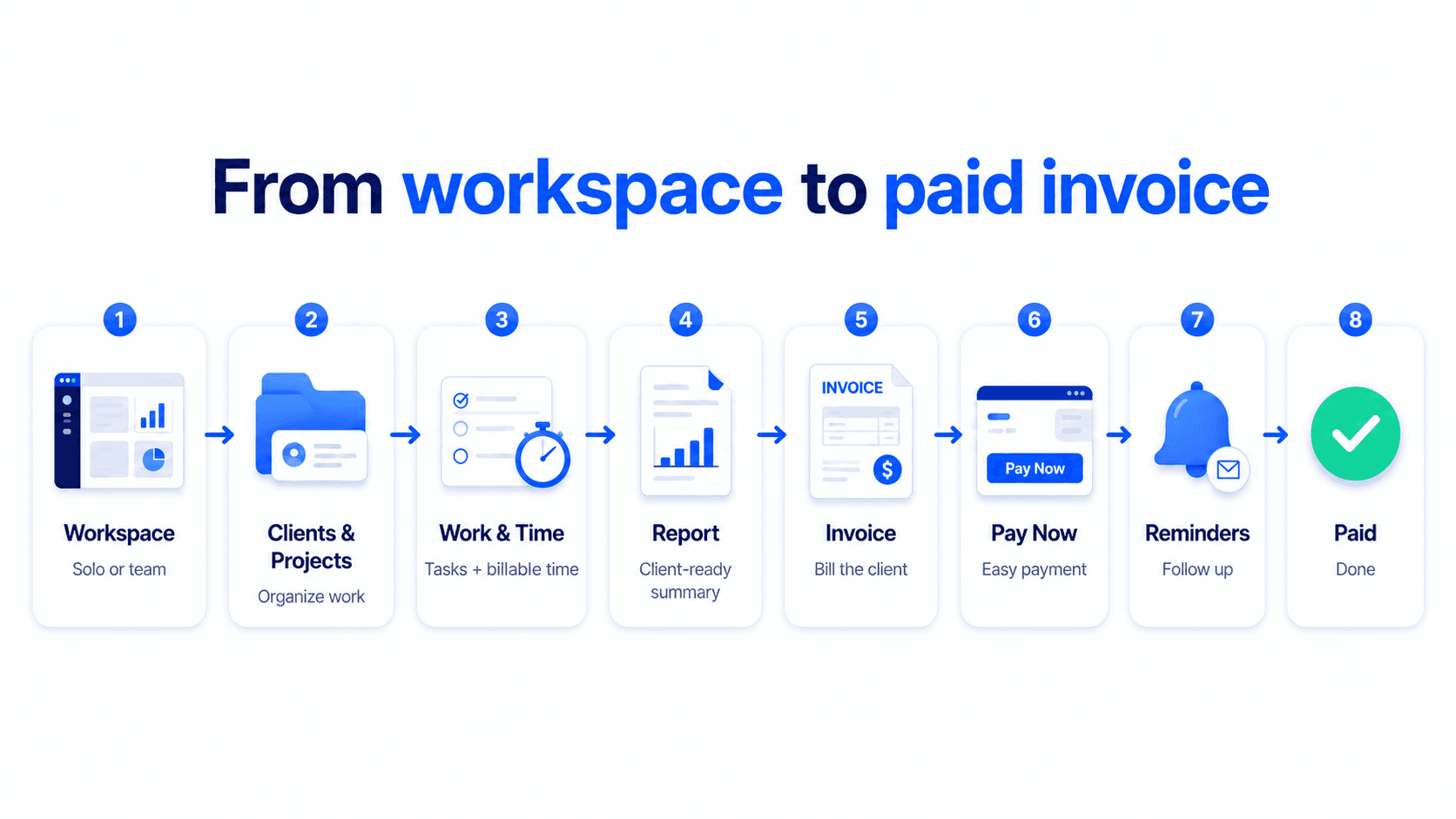
Send reminder emails for unpaid invoices without doing every follow-up by hand.
Set reminder timing that matches your billing workflow.
Billtivo reminder behavior is connected to the same email settings used in the product.
See the real reminder flow in the product
This page uses the real invoice editor and reminder state from Billtivo email settings.
Turn on reminder emails from Billtivo email settings.
Choose when reminder emails should be sent around the due date.
The invoice editor reflects reminder state and setup status.
Automatic payment follow-up
The right proof for this page is reminder status, email settings, and unpaid invoice follow-up.
Set reply-to, language, and sender details.
Choose when each reminder should be sent.
Paused, sent, or next reminder scheduled.
Email reminder settings
Open Billtivo email settings, enable reminders, and choose your reminder schedule.
Reminder emails follow the schedule you configure in Billtivo email settings.
Yes. Reminder state and status are managed from the Billtivo reminder and email settings flow.
Create an invoice and follow up on payment, or generate a free email if you only need a reminder.