
Free client email tool
Free Scope Change Email Generator
Use this when a client asks for extra work, more revisions, or a timeline change that was not part of the original agreement.
Turn approved extra work into an invoice
Once the client approves the change, use Billtivo to turn the extra work into a clear invoice.
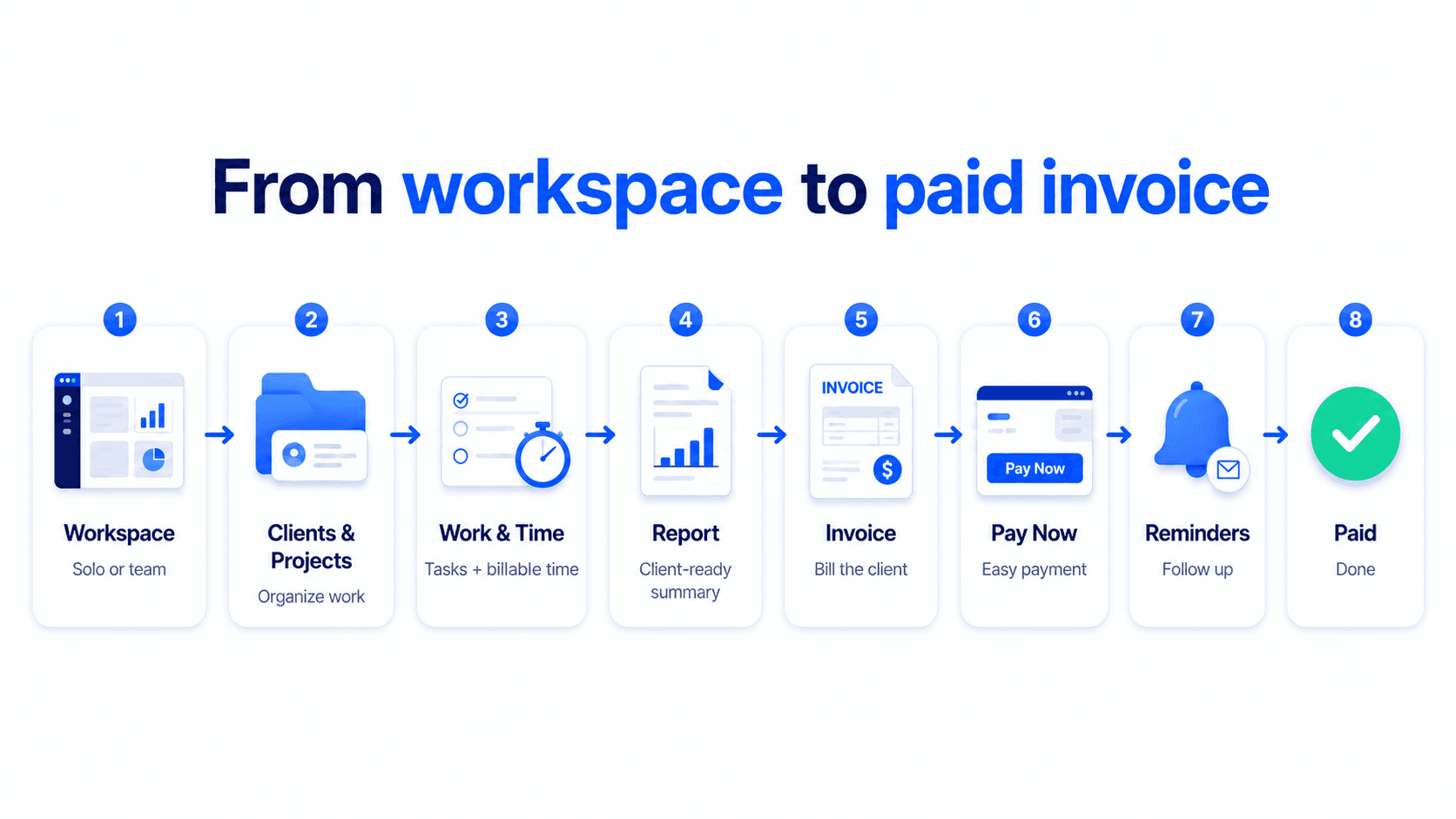
From approved extra work to paid invoice
Turn approved extra work into a paid invoice
Billtivo connects scope changes, client approval, billable work, invoices, Pay Now, reminders, and paid status.
Related scope-change workflows
Turn approved scope changes into invoice-ready work
These pages explain how client updates, approval, quotes, and service scope changes move toward clear invoice creation.
Client update template before invoice
Send a clear update before billing when scope or timing changes.
Client approval to invoice workflow
Use client approval as the handoff from reviewed work to invoicing.
Approved work to invoice
Turn approved extra work into an invoice with clear billing context.
Quote to invoice workflow
Start with a quote, confirm approval, then create the invoice.
Service quote template
Clarify scope, line items, pricing, and approval before billing.
STEP 1
Clarify the original scope
Write what was included before you respond to the client.
STEP 2
Explain the new request
Describe the extra work without sounding defensive or too harsh.
STEP 3
Confirm cost or timeline
Turn the change into a clear decision before doing more work.
FAQ
Scope change email FAQ
When should I use this email?
Use it when a client asks for extra work that was not included in the original agreement.
Will it sound too harsh?
You can choose a friendly, firm, or consultative tone depending on the client relationship.
Does this replace a contract?
No. It helps you communicate clearly before you keep working.
Can I invoice the extra work after approval?
Yes. Once the client approves the change, you can create an invoice for the additional work.