
Free unbilled work tool
Free Unbilled Work Report Generator
Use this when you have completed client work but are not sure what has not been invoiced yet. List completed work, calculate the unbilled amount, and copy an invoice-ready report.
Turn unbilled work into an invoice
Use the invoice-ready total in Billtivo, or track more billable hours before you bill.
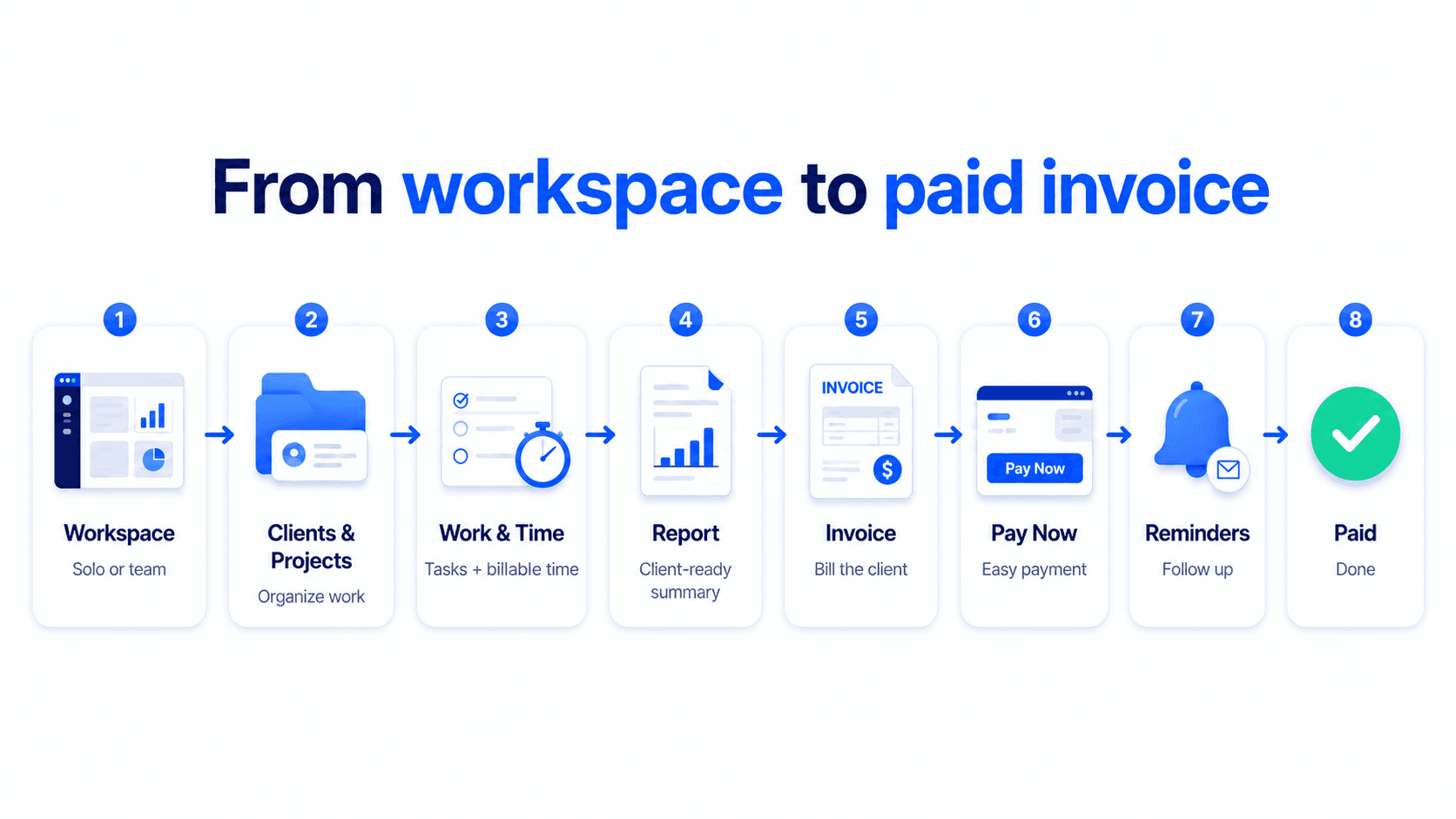
From unbilled work to paid invoice
Turn unbilled work into a paid invoice
Billtivo connects unbilled work, billable time, client-ready reports, invoices, Pay Now, reminders, and paid status.
Related unbilled work workflows
Turn unbilled work into invoice-ready billing
These pages explain how unbilled hours, tracked time, and work reports become clear invoice-ready billing.
Unbilled hours report
Review tracked or completed hours that have not been invoiced yet.
Unbilled time tracking
Track time that still needs review, approval, or invoice creation.
Unbilled hours calculator
Calculate the value of unbilled hours before creating an invoice.
Billable hours to invoice
Move billable hours into invoice-ready totals before client billing.
Work report template for invoice
Summarize completed work before turning it into an invoice.
STEP 1
List unbilled work
Add tasks, hours, and status so you can see what still needs to be billed.
STEP 2
Separate ready from pending
Split work into invoice-ready, pending approval, and not-reviewed buckets.
STEP 3
Turn the total into an invoice
Use the invoice-ready amount to create a clear invoice and avoid forgotten work.
FAQ
Unbilled work report FAQ
What is unbilled work?
Unbilled work is completed or tracked work that has not been turned into an invoice yet.
Does this tool save my data?
No. It runs in your browser and does not store the information you type.
Which status should I use?
Use invoice_ready when work is ready to bill, pending_approval when client approval is needed, and not_reviewed when you still need to check it.
Can I create an invoice after this?
Yes. Use the invoice-ready total and open Billtivo’s invoice creator.